Скачать OVR Locomotion Effect на Windows
Описание OVR Locomotion Effect
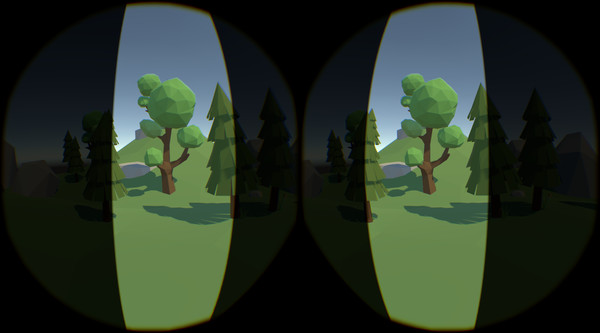
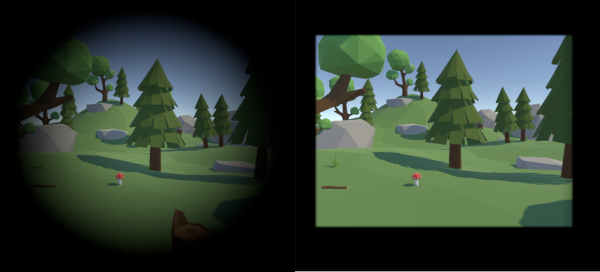
"OVR Locomotion Effect" is an overlay tool that aims to reduce VR motion sickness.
If you want to disable effect all-time, check off the "Enable" checkbox on the SteamVR dashboard.
To prevent that the effect completely covers the whole sight in black, the preview is displayed as transparent when you set dark and large effect.
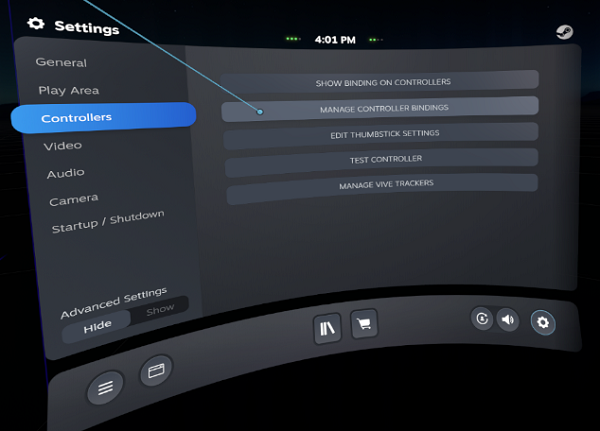
Open SteamVR setting then select "Controllers" -> "MANAGE CONTROLLER BINDINGS".
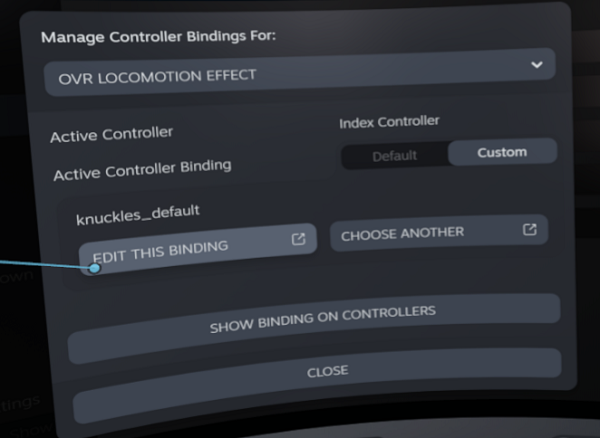
Choose "OVR LOCOMOTION EFFECT" from title list, then select "EDIT THIS BINDING".
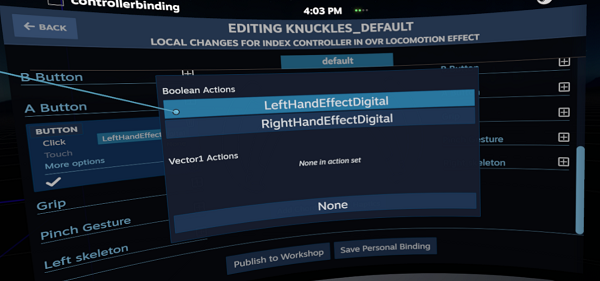
When controller binding screen is shown, select a button or a trigger and bind the one of below actions. After bindings, save the personal binding.
Points
- Display shadow effect to HMD according to thumbstick input.
- Effect settings on the SteamVR dashboard.
- Two effect types "Circle" and "Rect".
- Set effect to the left and right thumbsticks individually.
- Input customization via SteamVR Input.
- You can assign effects to trigger or buttons in addition to thumbsticks.
How to use
- Launch this tool then it displays shadow effects to HMD when you tilt thumbsticks.
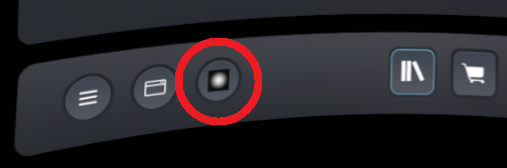
- Effect can be disabled via the bottom icon on the SteamVR dashboard.
- You can assign effects to any buttons or triggers via the SteamVR Input setting.
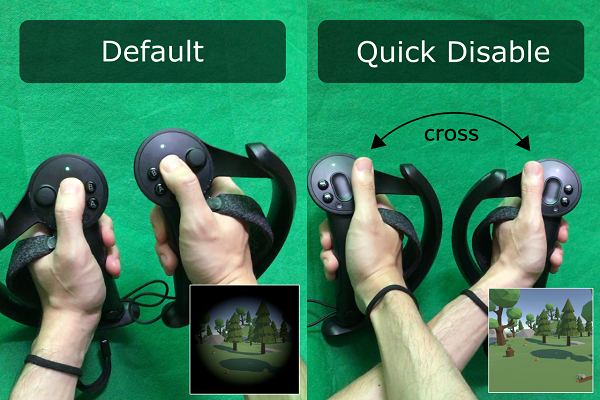
- Effects are disabled during the left and the right controllers are crossed.
Can I use on the Quest?
Quest is not supported but you can use this tool with connecting PC via Oculus Link or Virtual Desktop.Disable effects
Effects are temporally disabled during the left and right controllers are crossed. Please fold your arms if you want to disable effects such as control item inventory or solve some puzzles in games.If you want to disable effect all-time, check off the "Enable" checkbox on the SteamVR dashboard.
Circle effect
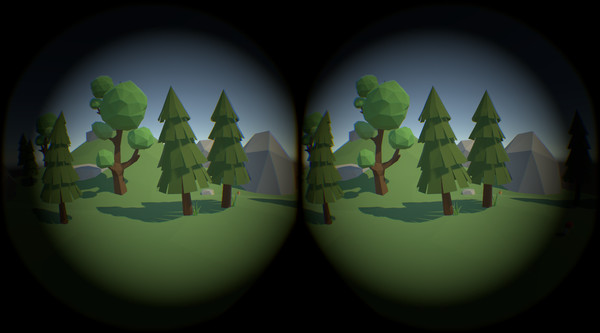
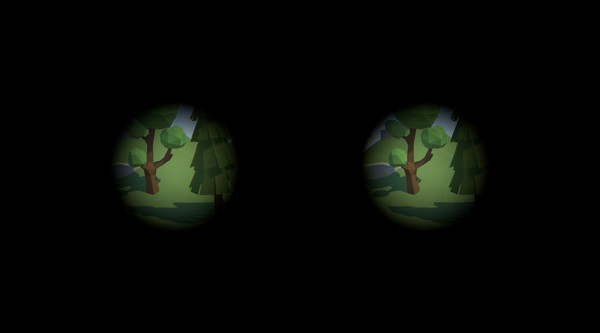
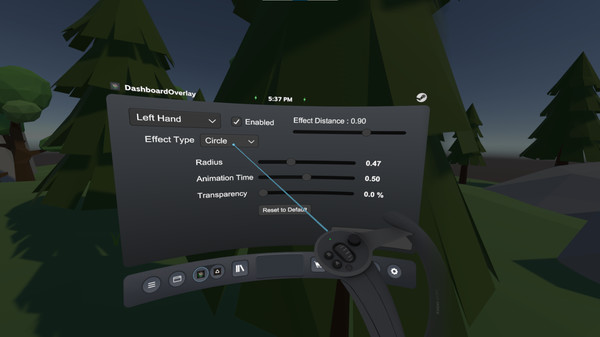
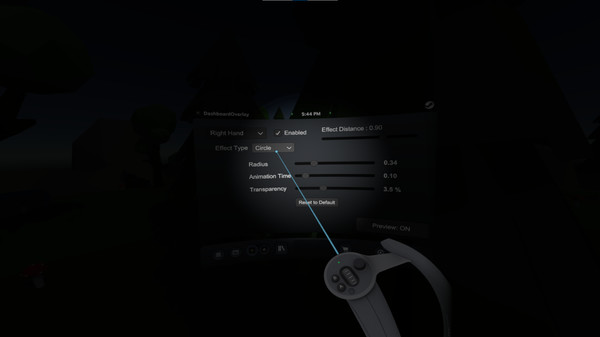
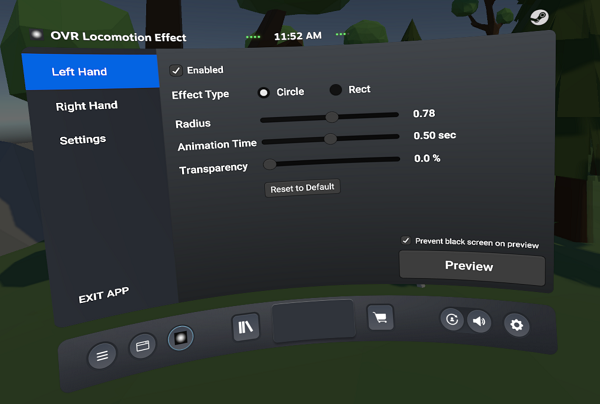
The circle effect displays a blurry effect covering your sights. You can adjust effects by the below parameters.- Radius : Circle size.
- Animation Time : Time that consumes from effect start to completely visible.
- Transparency : Effect transparency.
Rect effect
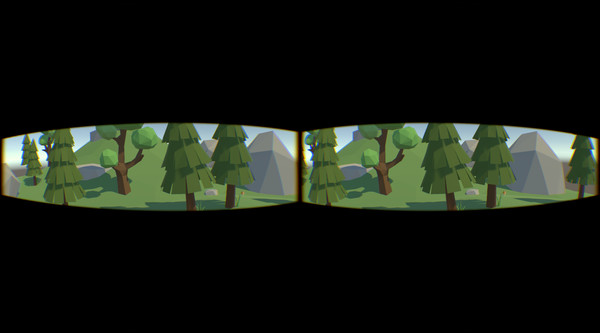
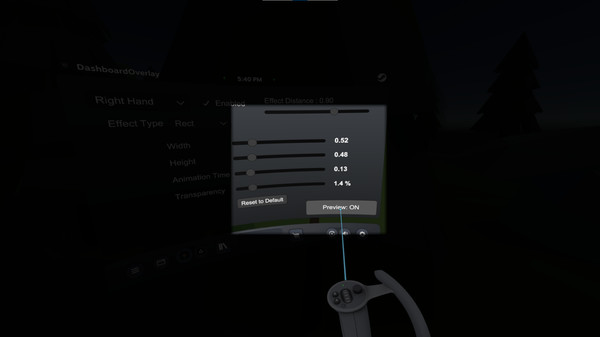
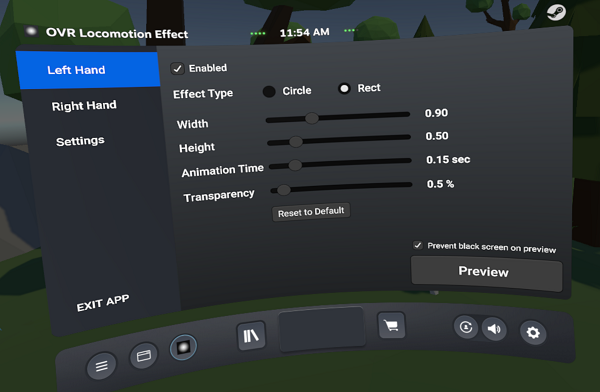
Rect effect displays a sharp effect covering your sights. You can adjust effects by the below parameters.- Width : Width of the rectangle.
- Height : Height of the rectangle.
- Animation Time : Time that consumes from effect start to completely visible.
- Transparency : Effect transparency.
Real-time preview
You can preview the current effect by pushing the preview button right bottom in the effect setting. It helps you to adjust effect strength as viewing actual visuals.To prevent that the effect completely covers the whole sight in black, the preview is displayed as transparent when you set dark and large effect.
Effect distance
You can adjust the distance between the effect and the HMD via the "Effect Distance" slider right top in the settings screen. If you use Pimax, try to adjust the overlay distance to cover the viewing angle.Left and Right thumbsticks
You can set effects on the left and right thumbsticks individually. Select the hand you want to set by left top dropdown.SteamVR Input
By default, effects are assigned to the left and right thumbsticks, but you can assign to other inputs like triggers or buttons via the SteamVR Input setting screen.Open SteamVR setting then select "Controllers" -> "MANAGE CONTROLLER BINDINGS".
Choose "OVR LOCOMOTION EFFECT" from title list, then select "EDIT THIS BINDING".
When controller binding screen is shown, select a button or a trigger and bind the one of below actions. After bindings, save the personal binding.
- LeftHandEffect : Display left hand effect.
- RightHandEffect : Display right hand effect.
- LeftHandEffectDigital : Display left hand effect. This is shown on some buttons setting.
- RightHandEffectDigital : Display right hand effect. This is shown on some buttons setting.
Отзывы
|
Пока нет отзывов. Оставьте первый.
Скриншоты OVR Locomotion Effect