 SteamFocus
PlayClaw 7 - Custom Crosshair Overlay

О дополнении
- Дата выхода
- 02.06.2020
- Платформы
- Windows
- Жанры
- Веб-разработка
Цена в России
Нет подтверждённой цены в рублях
Скриншоты 5

Описание
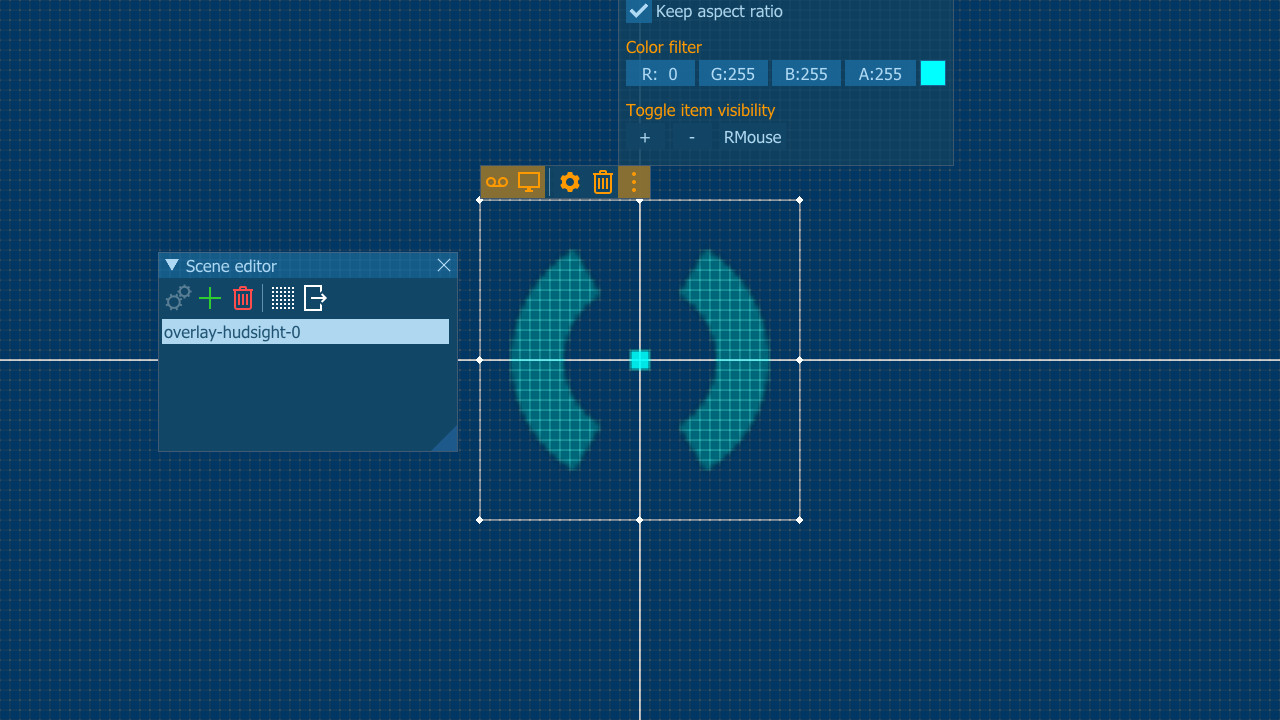
HudSight overlay DLC provides robust custom crosshair rendering directly in a game screen. Forget about input lags in windowed modes with other "on-top" custom crosshair programs.
PlayClaw draws the overlay right over a game frame and it doesn't matter what video mode is used in a game. That is why you can switch your game to fullscreen and get minimal input lag. Finally!
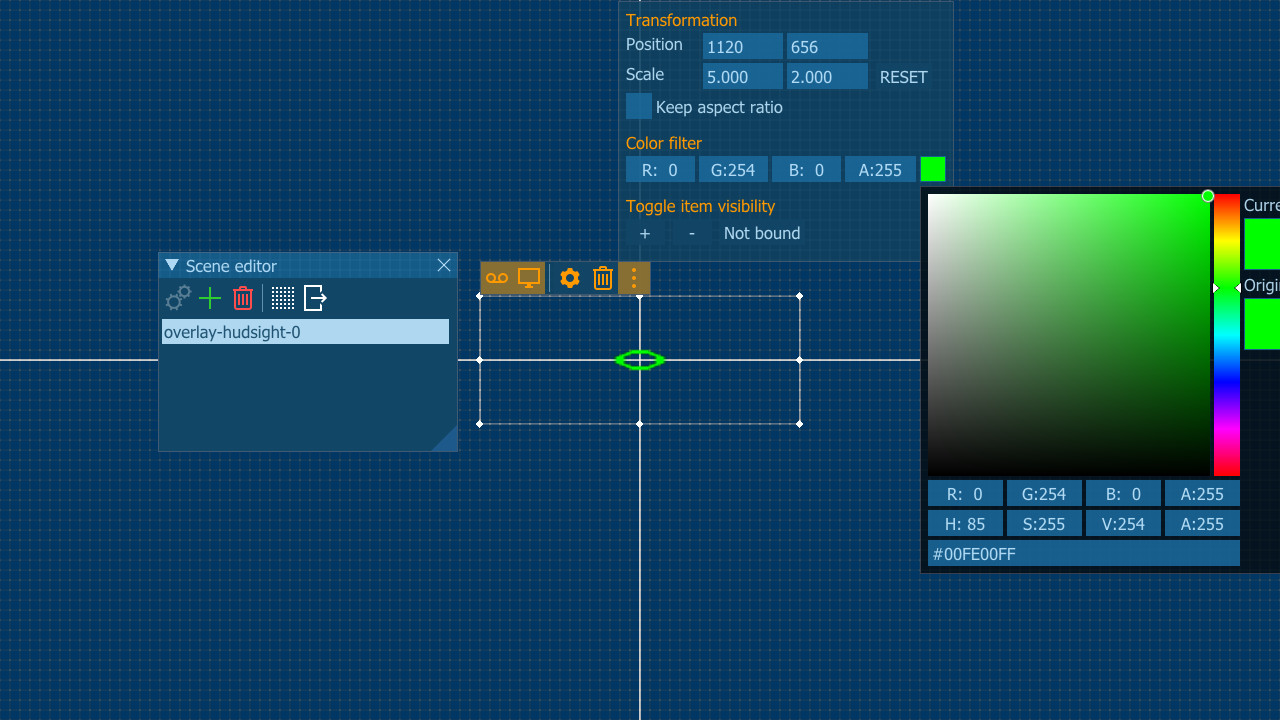
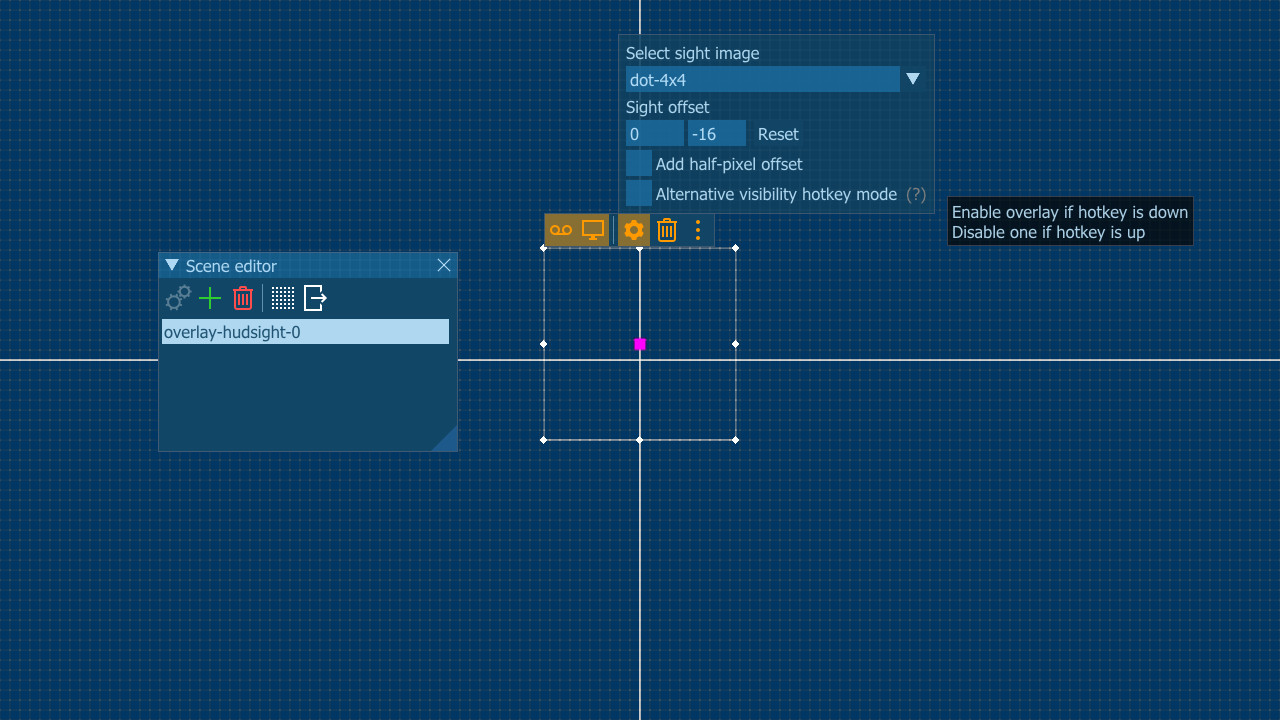
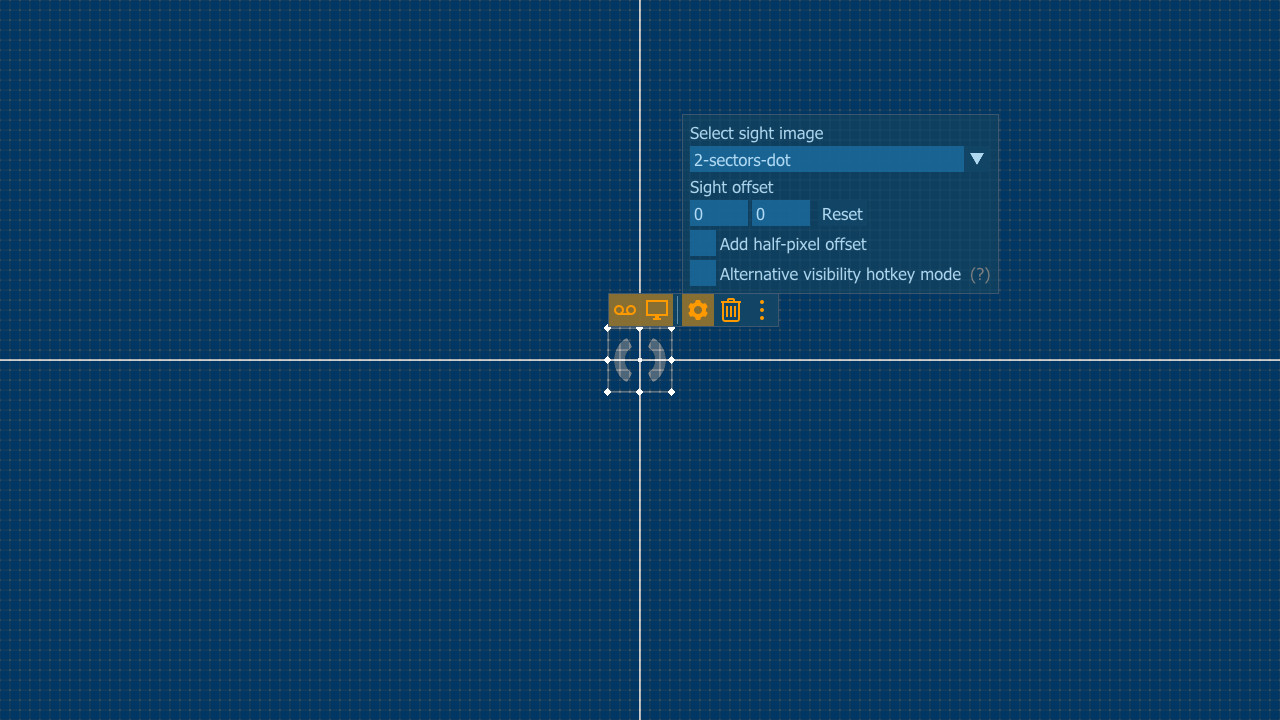
You can select crosshair from pre-installed image or use your own. Overlay can be turned on and off by a hotkey, it can be scaled. You can add an offset from screen center and even add half-pixel offset to align it to the real screen center.
Will I get banned for this?
HudSight overlay is not a cheat, it doesn't change games files or game play, it just draws an overlay (like Steam or other gaming services or some other tools). But please make sure that the Terms of Service of the game you play allow such enhancement.Об этом дополнении
Базовая игра — PlayClaw 7 - Game Overlays, Recording and Streaming.
Как установить DLC
В библиотеке Steam откройте свойства базовой игры и раздел «Доп. контент (DLC)». Отметьте купленное дополнение в списке. Загрузку можно проверить в разделе «Загрузки».
Справка Steam по дополнениям ↗Другие DLC этой игры
Все дополнения к игре →

Отзывы игроков
|
Пока нет отзывов. Оставьте первый.
Написать отзыв

Наш друг на старте
Открыть в Steam
PlayClaw 7 - Custom Crosshair Overlay