Скачать VR Jetpack Game на Windows
Описание VR Jetpack Game
Note
- Make sure to install SteamVR. For Windows Mixed Reality (Samsung, etc), make sure to install "Windows Mixed Reality for SteamVR" and only that (not both). - The official Twitch channel (VRJetpackGame) has the game spectated 24/7 on the US server for those who just want to watch. For streamers and spectators looking for more control, playing the game in non-VR will let you spectate and follow players (including yourself with a separate computer). - Non-VR players can also join and fly in a limited fashion. Simply start the game without a headset connected and choose to play rather than spectate.
Об игре
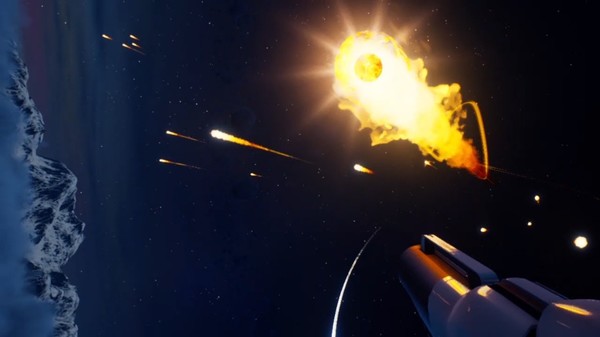
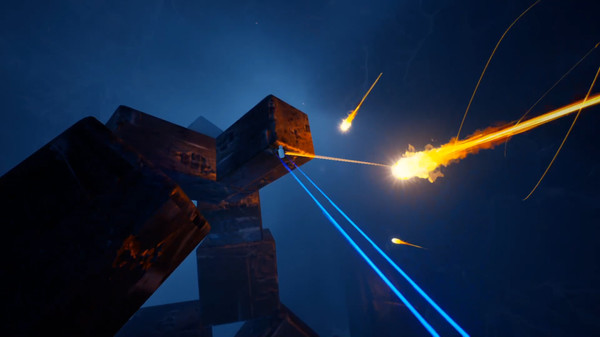
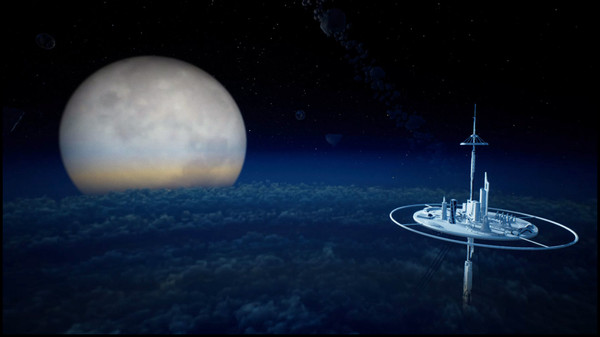
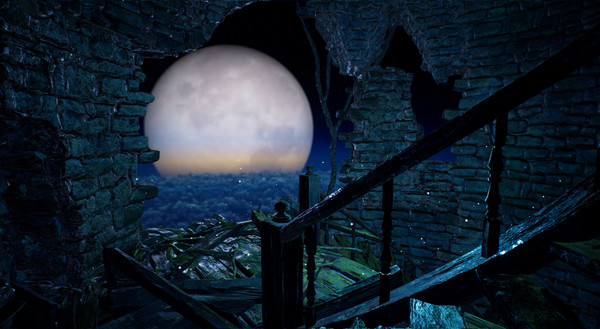
Physics-based VR with full freedom of flight. VR that feels and controls like a real jetpack. A real-time multiplayer VR arena. Players can fly and interact with each other online in VR with realistic physics-based controls. The controls are completely VR and natural, just as you would use thruster controllers for a real jetpack. It's truly free range of motion and natural movement, not the teleport or D-pad controls of most VR games. This includes but is not limited to being able to hover, drift, spin, flip, and burst through the sky without ever hitting any special buttons (all controller angle/position based). It's up to your own imagination what combination of moves or positions you might be able to do in the air. You can even now swing and do hookshots with the new grappling cables. Note that this means you can and will go upside-down. Like with roller coasters, skydiving, or any other real-life thrill or extreme sport, this experience is not for everyone, but for the right people, this comes very close to feeling like flying (and swinging) in real-life. Treat this as you would an opportunity to fly in real-life, not merely as a game played from an office chair. When you first start out, tap each one of the thrusters individually first (thumb press) to get a sense of how the propulsion moves you before holding both of them down. Just as you wouldn't start full speed in any real-life vehicle or sport, don't just go crazy on your first try here. The thrust comes from under each controller. Make sure you keep your controllers upright and spread out at least shoulder-width, like wearing a backpack and holding the straps. The farther your arms are out to the sides, the slower and more stable you are. If your arms are all the way out like an airplane, you will hover in place. Whenever you feel you are losing control, spread your arms farther apart to make it easier to balance but make sure to keep the controllers upright (don't just wave them around or let them limp sideways). When you've gotten good enough control, you can bring the controllers closer together for more speed. Tapping both thrusters at the same time while held close together will also let you do a sonic burst for maximum speed. The game is currently being released as Early Access, as the core mechanics and flying functionality along with multiplayer have been done for over a year now. The slowest part of development, and what is taking the most time for me as a 1-man team, is the more traditional parts of the game, such as map building, graphics, and other assets. I'm hoping that, as the game builds interest, perhaps I will be able to get help working on these other more time-intensive parts of the game. Of interest to me is if players are willing to create and share their own maps for others to fly and experience, as well as sharing skins/mods for the appearances of the actual player. If anyone is interested in helping work on these items, feel free to reach out on the VR Jetpack Game website. In the mean time, I am continuing to develop this pretty much full-time and will release updates to the game as I finish them, with emphasis on expanding out the map now that the game is released.Отзывы
|
Пока нет отзывов. Оставьте первый.
Скриншоты VR Jetpack Game