Скачать Panic Station VR на Windows
Описание Panic Station VR
-Game content-
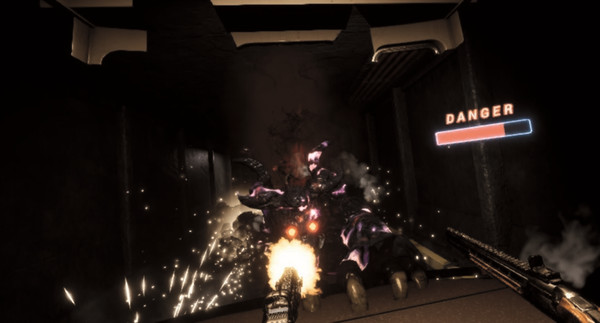
Grab your guns and fight monsters in the VR world.
It's a simple game where you move through the game in a one-way manner.
-Background setting-
The protagonist is an agent of Sentinel, an organization that stops demons from all over the virtual modern world.
One day, Sentinel is subject to a massive invasion of his enemies and heads to his destination according to the urgent order.
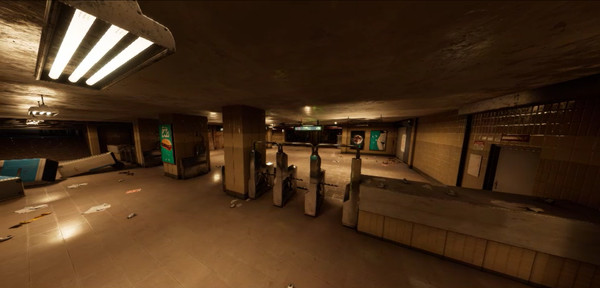
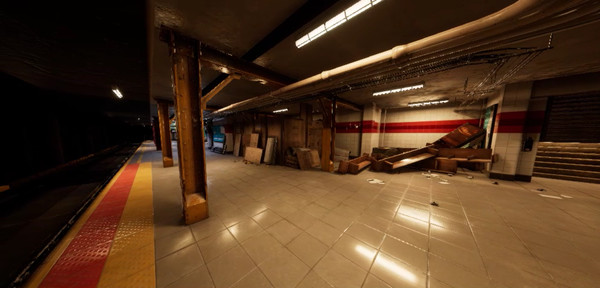
The content of the game is a middle story, and the player runs a train chase after passing the subway.
-Developer comments-
It was produced as a one year project by the student team of Korea IT Vocational College. Completeness is about battle demo.
Since the 2019 G-Star event, there have been no updates other than small bug fixes, and it is not planned for the future.
- compatibility -
Only compatible with HTC Vive, HTC Vive Pro and the controller of the device.
Two controllers are required.
If you can only handle motion sickness, such as standing, sitting or lying down, you can play in any comfort.
-How to operate-
move
-Click the track pad on the left controller
teleport
-Click the shoulder button on the left controller
rotate (click)
-Click the track pad on the right controller
rotate (drag)
-Press the shoulder button on the right controller and move the controller left or right in the HMD.
catching weapons
- grip button or trigger button
weapon loading
-Place the controller behind the head and press the grip button
weapon auxiliary grip
-Hold the controller with nothing on the secondary handle of the weapon and press the trigger button or grip button
Weapon Assist Grip Release
- grip button on auxiliary gripped controller
Front aim mode on /off
- trigger button of auxiliary gripped controller
gun shooting
-Submachine gun: Continuous shooting by holding down the trigger button
-Rifle: single shot by clicking the trigger button
- The higher the overheat level displayed by the UI on the left side of the gun, the shooting is restricted, otherwise the overheating value is reduced
- If you continue to fire, the direction of the muzzle will be greatly increased due to the fire recoil.
Total special function operation
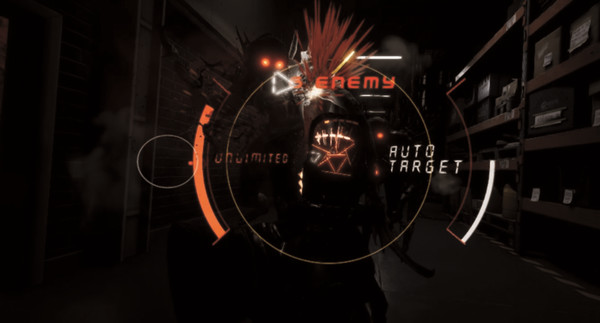
1. Automatic submachine gun aiming
-Long press and release the grip button to enter auto aim mode based on skill charge
- The skill charge displayed by the UI to the right of the gun is automatically restored, recovered by knocking down the enemy, and recovered by killing the enemy
2. Rifle Enhancer
-One-hand grip
-Press and hold the grip button to quickly lift the controller up to reinforce the ammo
-Secondary grip condition
-Press the grip button on the trigger side controller to charge the hardened bullet.
3. Rifle Tracking Shots
-Long press and release the trigger button to fire and chase through enemies
- Overheat is greatly increased, consumes all the ammunition shown on the right side of the gun, and increases the number of bounces and damage depending on the number of ammunition remaining.
-How to play the game-
1. Put on the HMD, turn on the game.
When the game is turned on, the front of the HMD is set to the original front of the game, so if you turn the game up with the HMD upside down, you should look back.
2. Press any button on the controller.
3. Select either Start Tutorial (above) or Start Game Immediately (below).
4. If you have just finished the tutorial or started right away, you can skip the stage, set the difficulty level, or set the speed in the lobby UI.
Difficulty settings are easy, medium, and difficult.
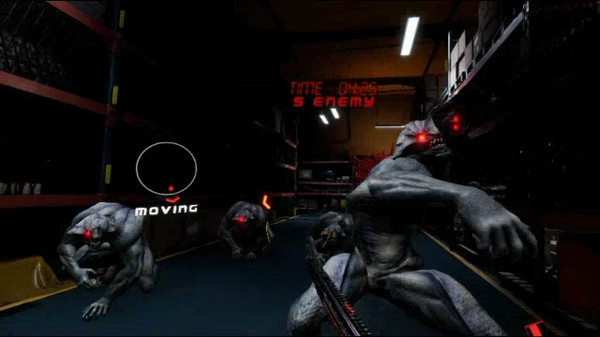
In the Easy setting, the target point of the gun always appears in crosshair form, but in Normal and Difficulty, the crosshair can only be seen inside the aimer and the enemy's HP also increases.
5. Start the game by making a stage selection or moving to the right aisle from the front.
In a non-combat state, you move towards the target point displayed by the white square UI.
In combat, nearby passages are blocked, and all enemies must be killed to release the barrier.
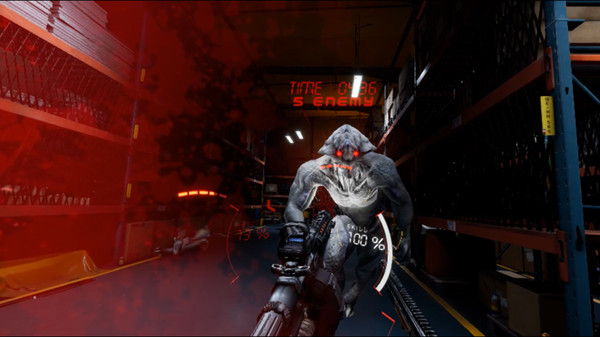
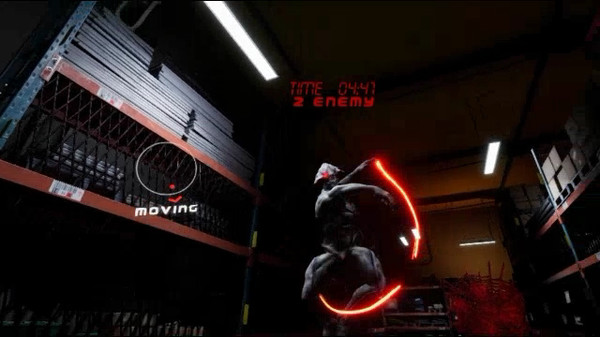
6. If the player dies due to a lot of enemy attacks in a short time, or the time limit UI at the top of the screen becomes 0, the game is over.
The game is cleared if you kill the final boss along the way.
Grab your guns and fight monsters in the VR world.
It's a simple game where you move through the game in a one-way manner.
-Background setting-
The protagonist is an agent of Sentinel, an organization that stops demons from all over the virtual modern world.
One day, Sentinel is subject to a massive invasion of his enemies and heads to his destination according to the urgent order.
The content of the game is a middle story, and the player runs a train chase after passing the subway.
-Developer comments-
It was produced as a one year project by the student team of Korea IT Vocational College. Completeness is about battle demo.
Since the 2019 G-Star event, there have been no updates other than small bug fixes, and it is not planned for the future.
- compatibility -
Only compatible with HTC Vive, HTC Vive Pro and the controller of the device.
Two controllers are required.
If you can only handle motion sickness, such as standing, sitting or lying down, you can play in any comfort.
-How to operate-
move
-Click the track pad on the left controller
teleport
-Click the shoulder button on the left controller
rotate (click)
-Click the track pad on the right controller
rotate (drag)
-Press the shoulder button on the right controller and move the controller left or right in the HMD.
catching weapons
- grip button or trigger button
weapon loading
-Place the controller behind the head and press the grip button
weapon auxiliary grip
-Hold the controller with nothing on the secondary handle of the weapon and press the trigger button or grip button
Weapon Assist Grip Release
- grip button on auxiliary gripped controller
Front aim mode on /off
- trigger button of auxiliary gripped controller
gun shooting
-Submachine gun: Continuous shooting by holding down the trigger button
-Rifle: single shot by clicking the trigger button
- The higher the overheat level displayed by the UI on the left side of the gun, the shooting is restricted, otherwise the overheating value is reduced
- If you continue to fire, the direction of the muzzle will be greatly increased due to the fire recoil.
Total special function operation
1. Automatic submachine gun aiming
-Long press and release the grip button to enter auto aim mode based on skill charge
- The skill charge displayed by the UI to the right of the gun is automatically restored, recovered by knocking down the enemy, and recovered by killing the enemy
2. Rifle Enhancer
-One-hand grip
-Press and hold the grip button to quickly lift the controller up to reinforce the ammo
-Secondary grip condition
-Press the grip button on the trigger side controller to charge the hardened bullet.
3. Rifle Tracking Shots
-Long press and release the trigger button to fire and chase through enemies
- Overheat is greatly increased, consumes all the ammunition shown on the right side of the gun, and increases the number of bounces and damage depending on the number of ammunition remaining.
-How to play the game-
1. Put on the HMD, turn on the game.
When the game is turned on, the front of the HMD is set to the original front of the game, so if you turn the game up with the HMD upside down, you should look back.
2. Press any button on the controller.
3. Select either Start Tutorial (above) or Start Game Immediately (below).
4. If you have just finished the tutorial or started right away, you can skip the stage, set the difficulty level, or set the speed in the lobby UI.
Difficulty settings are easy, medium, and difficult.
In the Easy setting, the target point of the gun always appears in crosshair form, but in Normal and Difficulty, the crosshair can only be seen inside the aimer and the enemy's HP also increases.
5. Start the game by making a stage selection or moving to the right aisle from the front.
In a non-combat state, you move towards the target point displayed by the white square UI.
In combat, nearby passages are blocked, and all enemies must be killed to release the barrier.
6. If the player dies due to a lot of enemy attacks in a short time, or the time limit UI at the top of the screen becomes 0, the game is over.
The game is cleared if you kill the final boss along the way.
Отзывы
|
Пока нет отзывов. Оставьте первый.
Скриншоты Panic Station VR