 SteamFocus
RPG Maker MV - Weapons Icon Set

О дополнении
- Дата выхода
- 18.12.2024
- Платформы
- Windows, macOS, Linux
- Жанры
- Разработка игр
- Базовая игра
- RPG Maker MV
Цена в России
Нет подтверждённой цены в рублях
Скриншоты 4
Описание
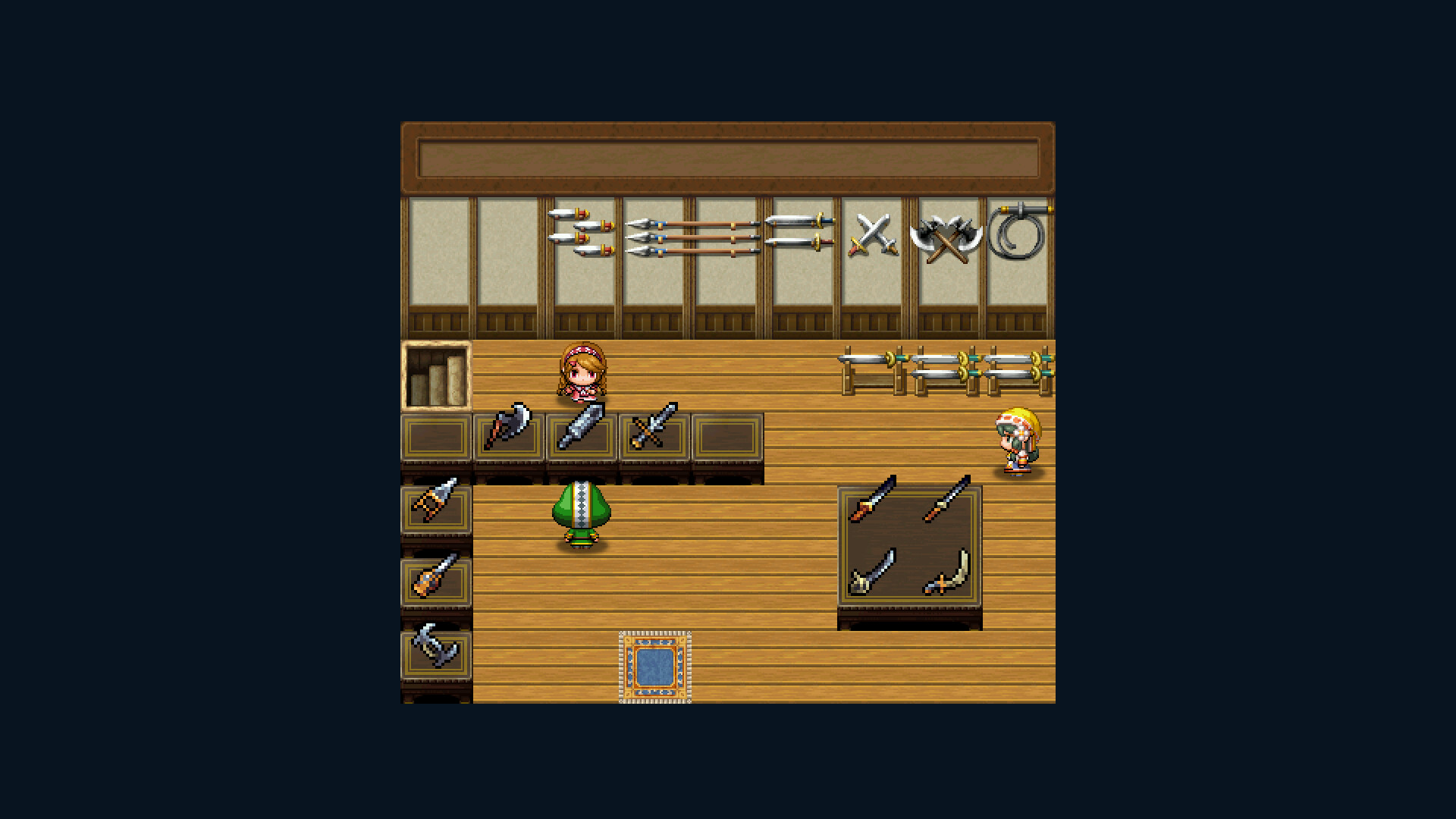
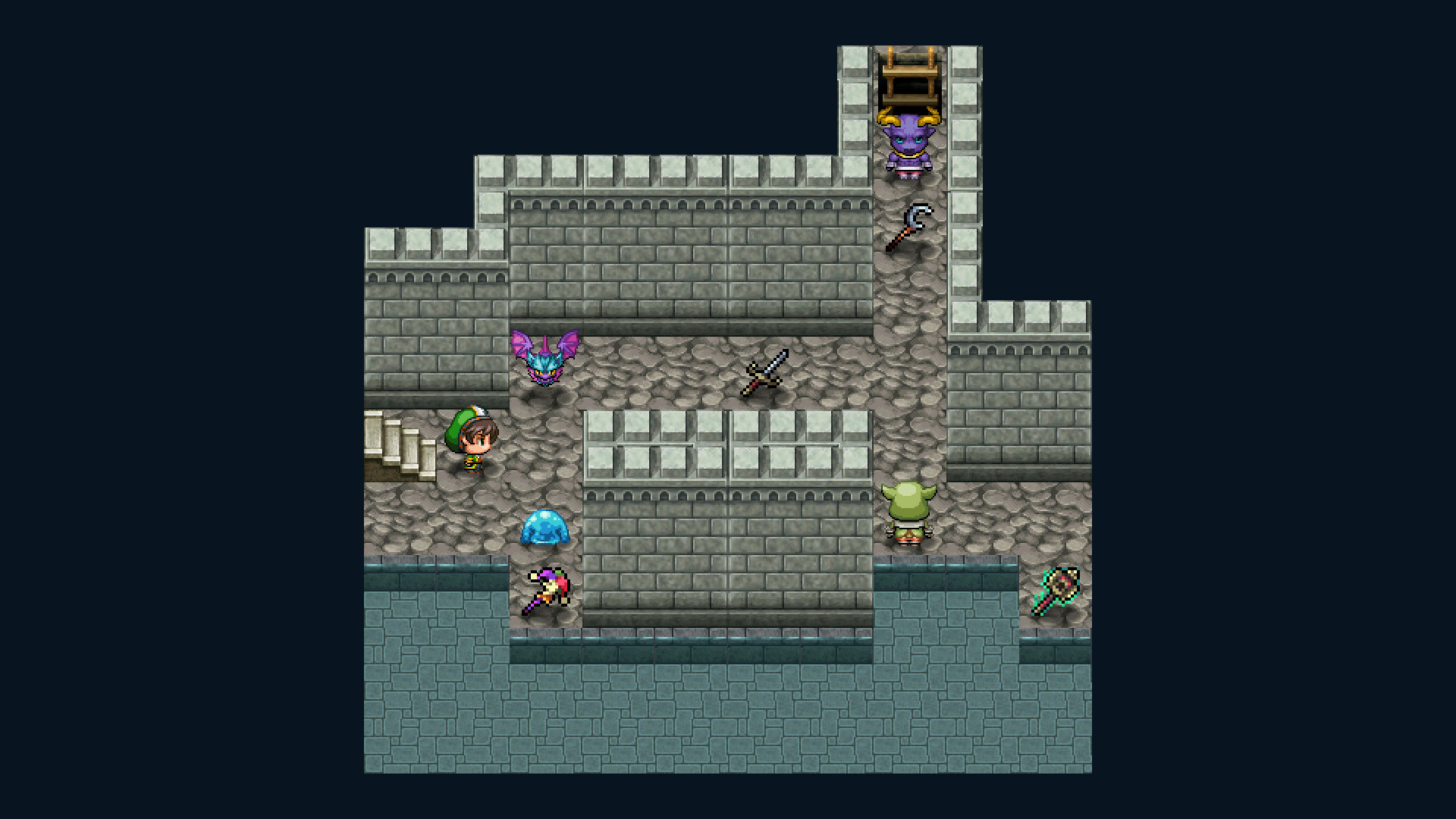
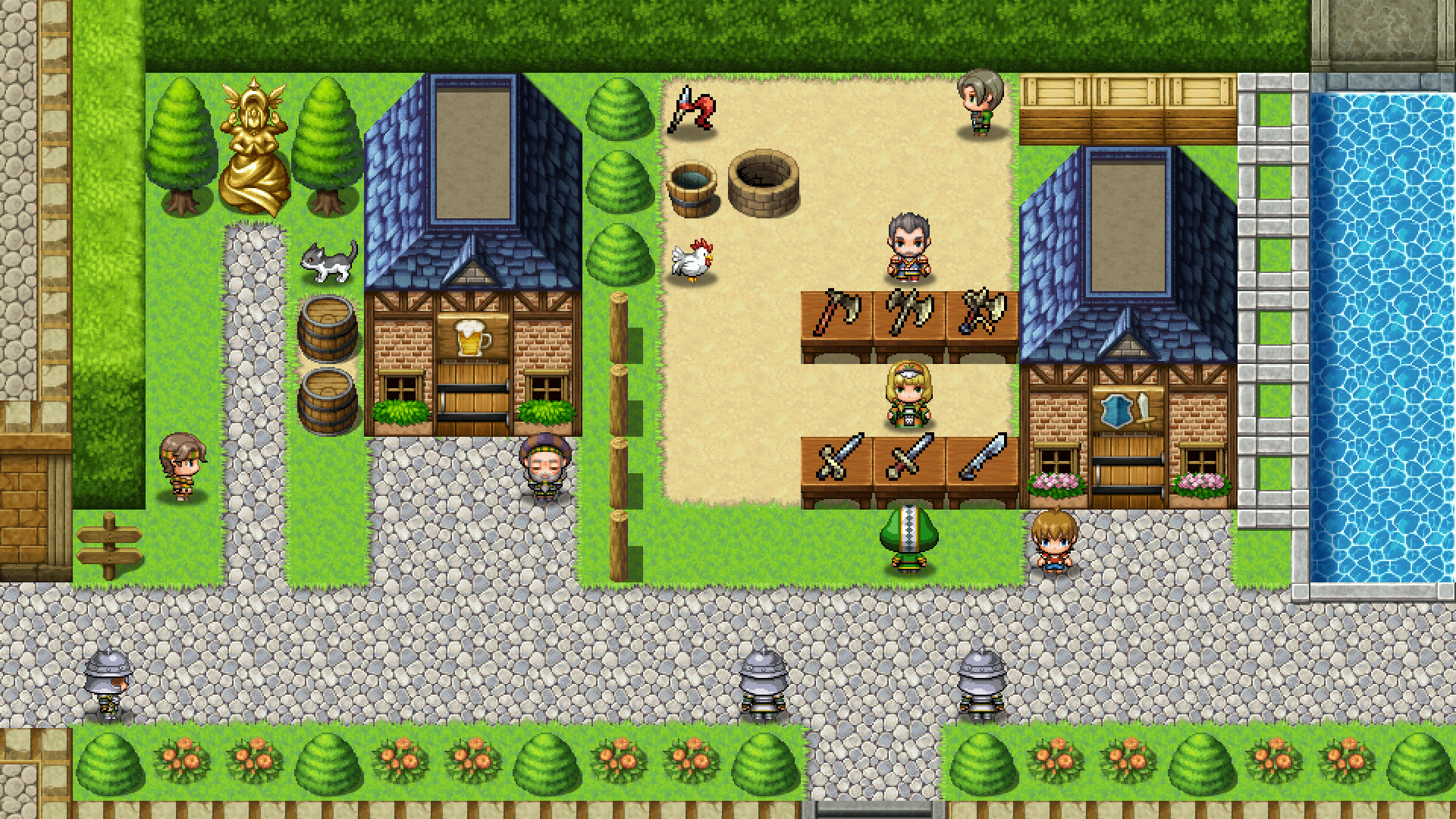
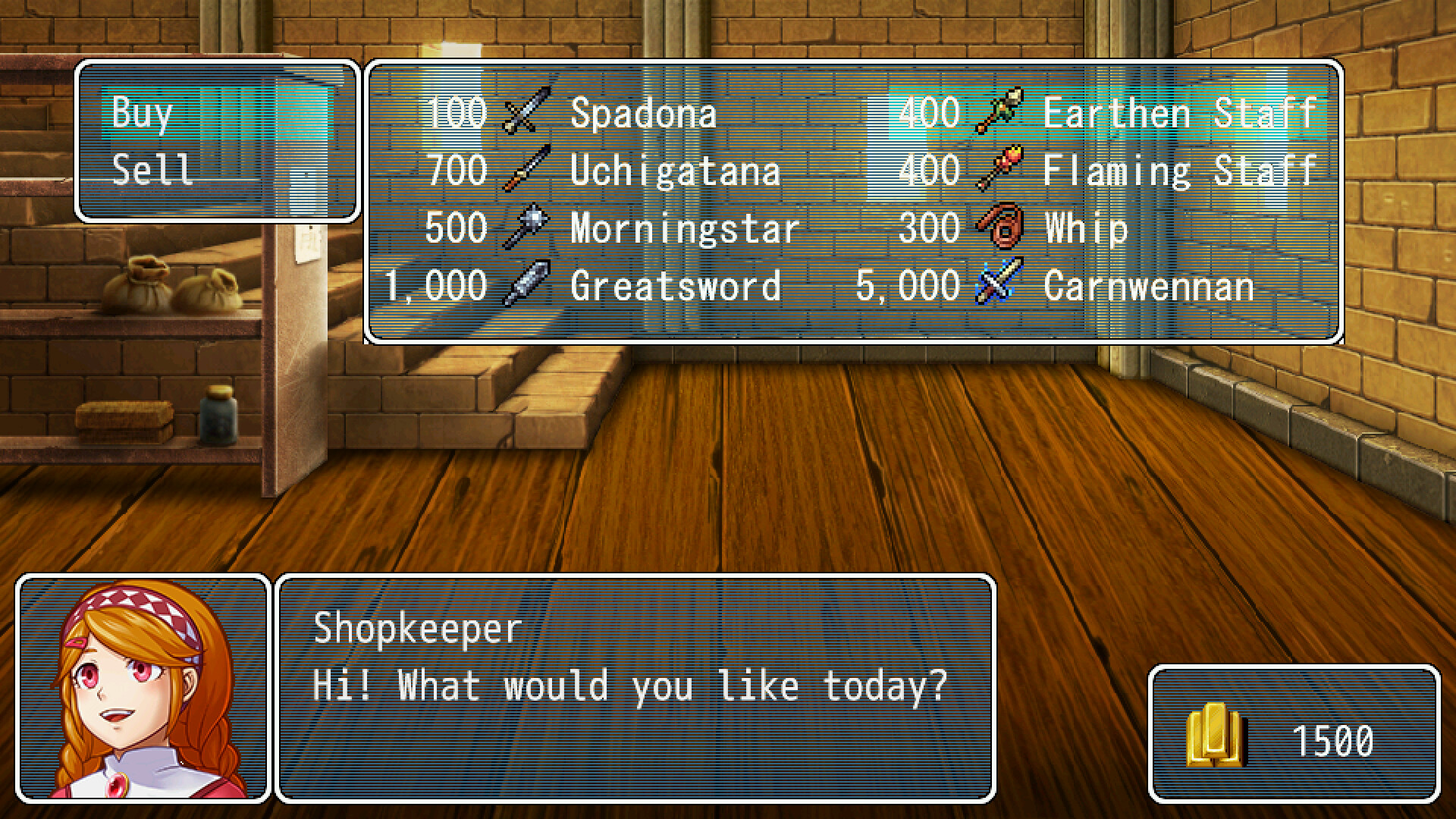
"Weapons Icon Set" is a pixel art icons collection suitable for RPG Maker MV and RPG Maker MZ.
With "Weapons Icon Set", you have access to 100 high-quality pixel art weapon sprites depicting:
-Daggers
-Shortswords, longswords, greatswords, curved swords, thrusting swords, katanas
-Axes
-Bludgeoning weapons
-Polearms
-Fist weapons (claws, blades, knuckles, gauntlets)
-Sticks, staves, scepters
-Nunchuks, scythes, fans, whips
-Legendary weapons
They are most suitable as icons for menus, but can be used as item drops or whatever you desire to use them for.
■Highly detailed and vibrant weapon icon pixel art sprites hand-drawn in 16x16px to give the feel of classic retro video games, then up-scaled pixel-perfect to 32x32px to fit usage in RPG Maker games.
■Contains groups of icons depicting a huge variety of weapons such as slashing weapons, bludgeoning weapons, thrusting weapons, staves, scepters, legendary weapons, and more!
■Use as icons for menus, item drops from enemies, props for scenes, or whatever you can think of!
-----------------------------------------------------------------------
Includes:
1.) Iconset.png
2.) weapons-icons_drops.png
3.) Individual Sprites folder
a. Drops folder: 100 weapon icons as drops
b. Icons folder: 100 weapon icons
4.) Raw Files folder containing all unscaled sprites
a. weapons-icons raw.png
b. weapons-icons_drops raw.png
c. individual raw folder: 100 weapon icons
d. Individual Drops raw folder: 100 weapon icons as drops
5.) weapons.gal (Graphics Gale application file)
-----------------------------------------------------------------------
・Rights must be indicated when using assets.
・All copyrights, neighboring rights, and all other rights to this material belong to the creator or a third party authorized by the creator.
Об этом дополнении
Базовая игра — RPG Maker MV.
Как установить DLC
В библиотеке Steam откройте свойства базовой игры и раздел «Доп. контент (DLC)». Отметьте купленное дополнение в списке. Загрузку можно проверить в разделе «Загрузки».
Справка Steam по дополнениям ↗Другие DLC этой игры
 RPG Maker MV - Rhythm Game Maker
 RPG Maker MV - Media Maiden's Acoustic Vibe
 RPG Maker MV - Media Maiden's A Little Bit of 8 Bit
Отзывы игроков
Пока нет отзывов. Оставьте первый.
Написать отзыв

Наш друг на старте
Открыть в Steam
RPG Maker MV - Weapons Icon Set