Скачать VDoll на Windows
Описание VDoll
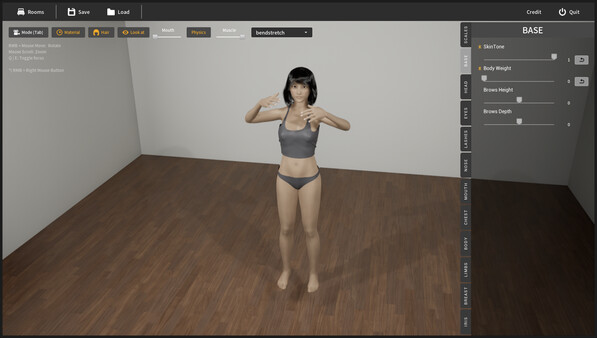
VDoll is a female body simulator.
This is an application that you can customize the character and enjoy playing.
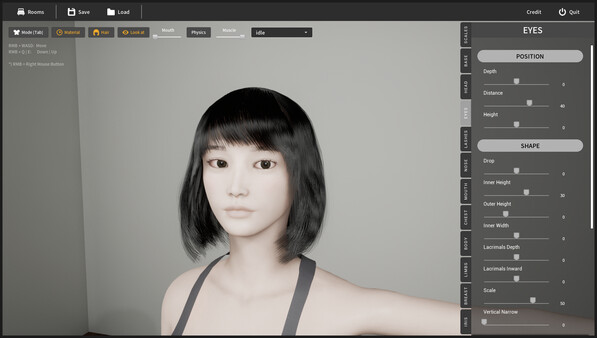
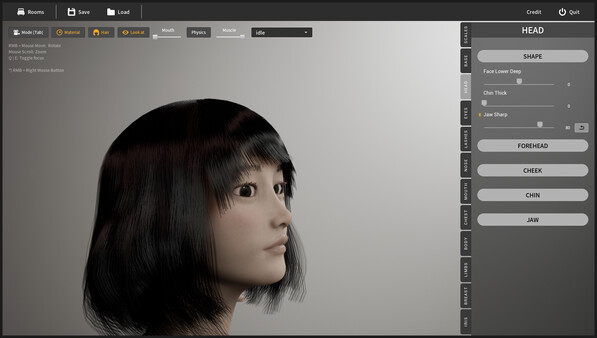
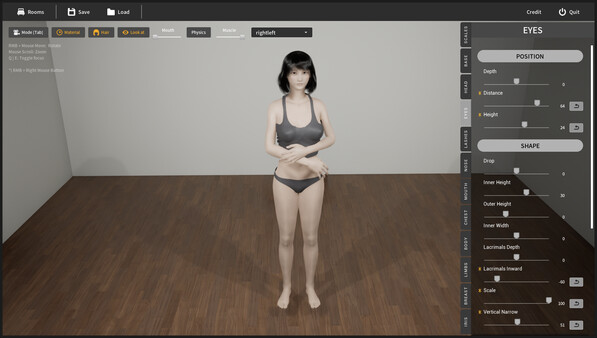
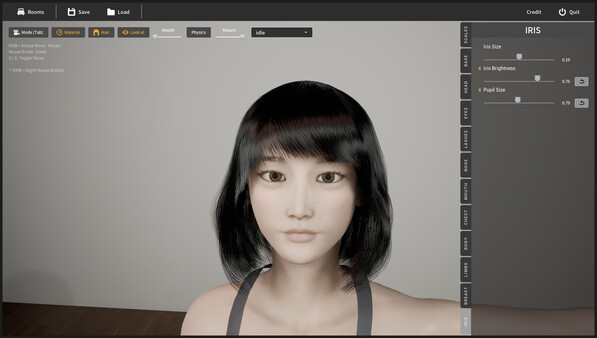
You can customize your character's face and body features.
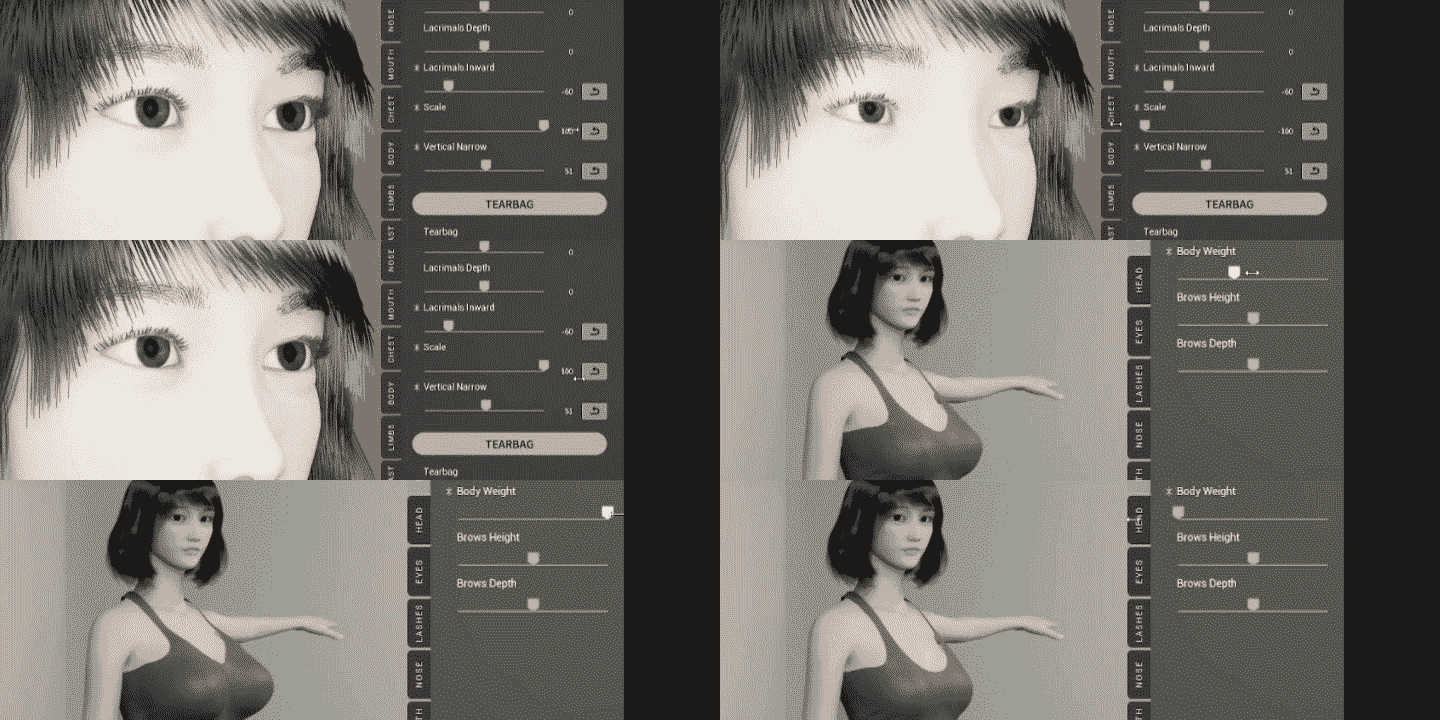
# Realistic interaction by physical simulation
Enjoy interactions as if you are there.
(Below image is game-play in VR mode)
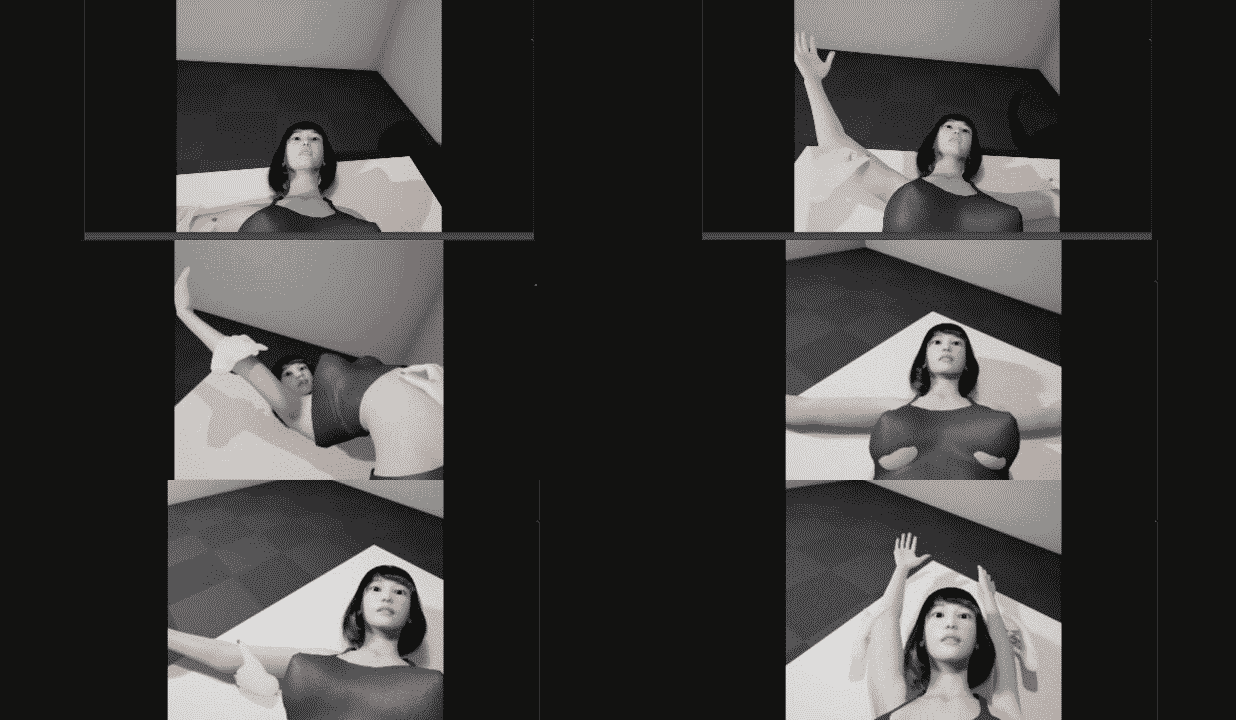
# Controlling Posture
The body is controlled by a physical engine.
By grabbing each body part and fixing it in the air, the body can be posed freely.
# Playing Animation
You can select an animation, play it back, and view it from any angle you like.
The animation is combined with the physical behavior, resulting in realistic behavior.
# Play where you like
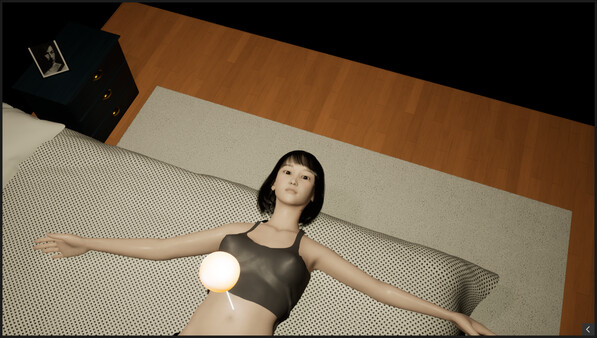
You are free to play where you want. You can move the body anywhere you like.
This is an application that you can customize the character and enjoy playing.
Character Customization
You can customize your character's face and body features.
Play
# Realistic interaction by physical simulation
Enjoy interactions as if you are there.
(Below image is game-play in VR mode)
# Controlling Posture
The body is controlled by a physical engine.
By grabbing each body part and fixing it in the air, the body can be posed freely.
# Playing Animation
You can select an animation, play it back, and view it from any angle you like.
The animation is combined with the physical behavior, resulting in realistic behavior.
# Play where you like
You are free to play where you want. You can move the body anywhere you like.
Support for VR
VR is supported. The player's hands can interact with the girl's body with a physics engine. It is possible to touch, grab and move her anywhere you want.Limitations of VR mode
The VR mode has the following limitations. Please be aware of them beforehand.- Hair quality is lower than in windowed mode, because hair is constructed with polygons.
- Physical simulation of hair is disabled.
- Lumen (real-time software global illumination), a key feature of Unreal Engine 5, is disabled.
- For character creation, only windowed mode is supported.
First, start in normal mode, create and save your character. Then, start in VR mode and load your character.
Отзывы
|
Пока нет отзывов. Оставьте первый.
Скриншоты VDoll