Скачать Reality Mixer - Mixed Reality for VR headsets на Windows
Описание Reality Mixer - Mixed Reality for VR headsets
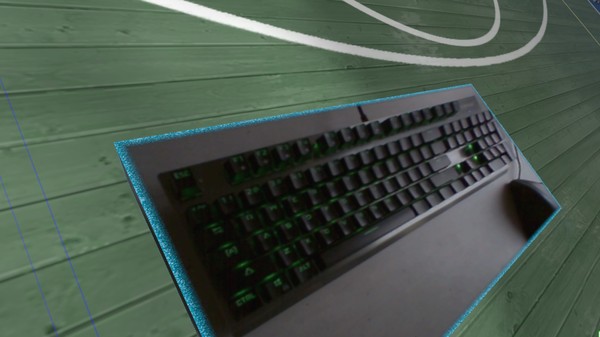
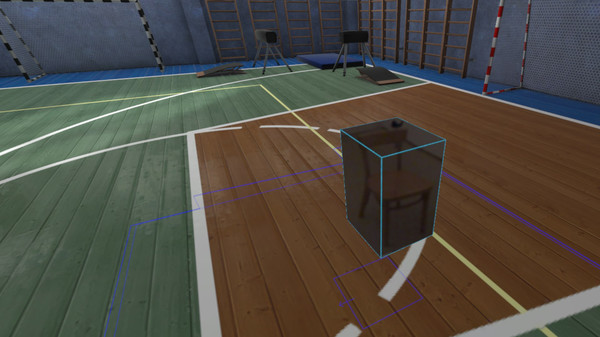
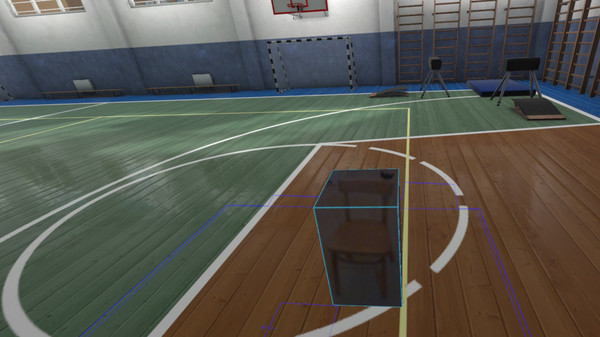
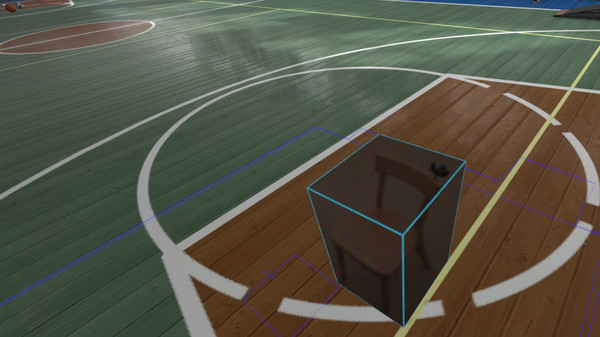
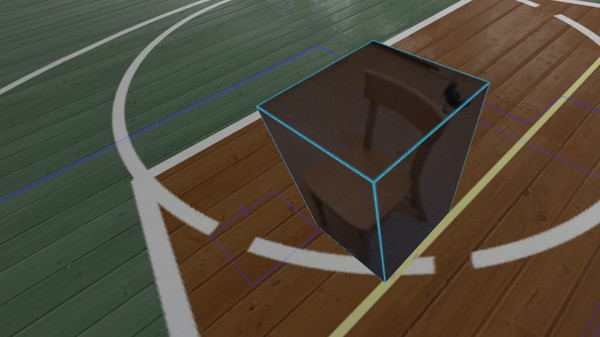
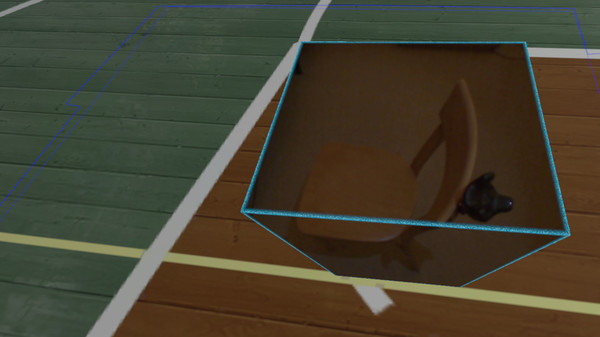
Reality Mixer lets you bring real objects into VR. It uses the cameras on the headset to show a real object and its surroundings in the current VR environment.
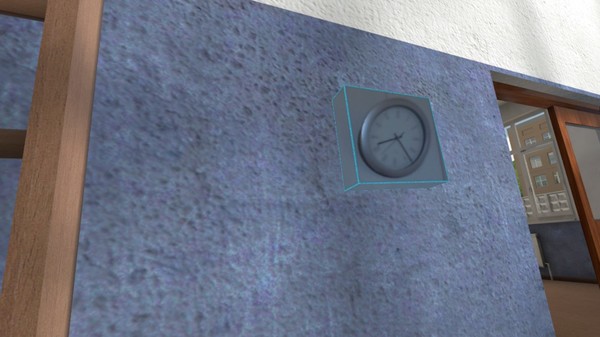
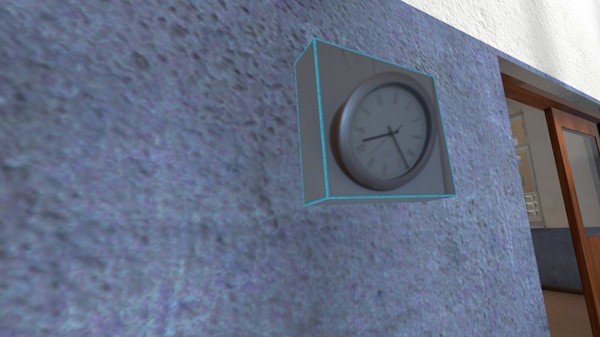
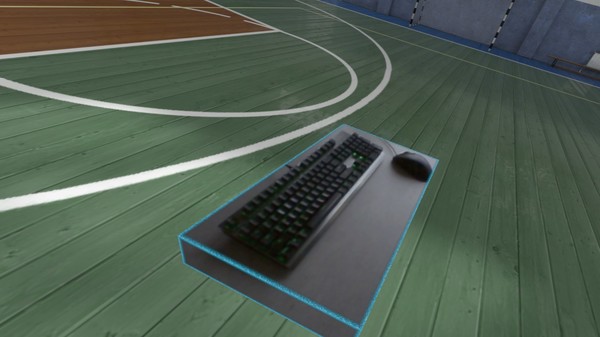
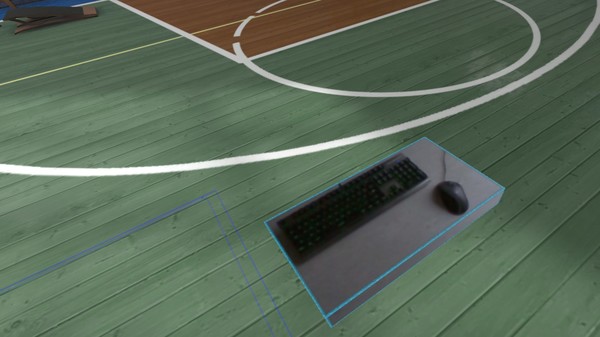
Think of objects like keyboard & mouse, a racing wheel, a clock on the wall, a drink on your desk, a phone, a tablet, a chair, a couch, etc.
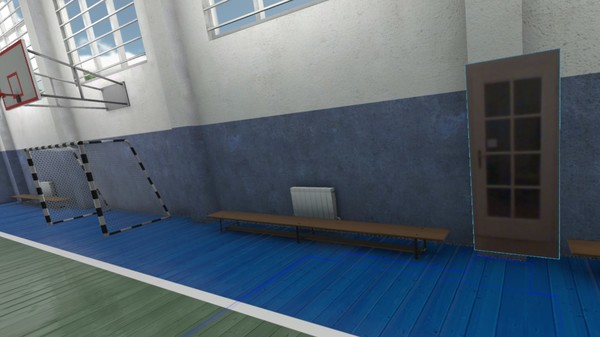
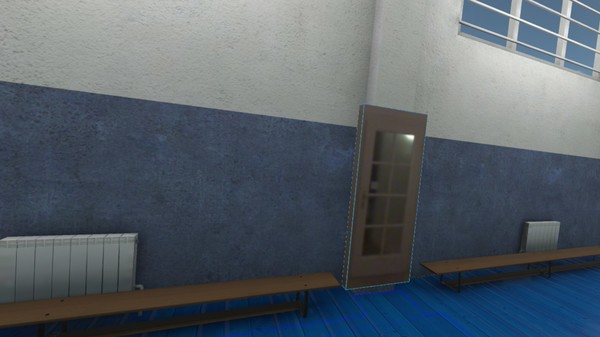
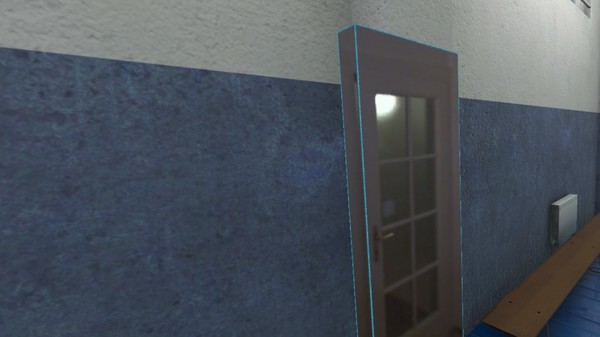
Also larger real objects can be used. Like the door to your room, so you can see who comes in. Or bring the whole floor into VR, which helps with untangling from the headset cable.
Bringing real objects into a virtual environment is known as 'Augmented Virtuality'.
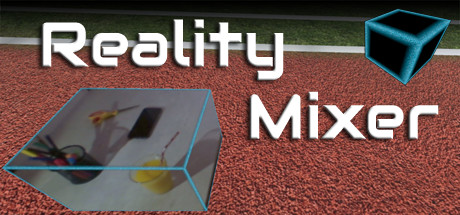
Reality Mixer creates 'boxes of reality' which are shown in VR. Chroma keying (green screen) will make the background of the objects transparent so the VR world shows through. This can be useful for objects such as a racing wheel and HOTAS. (Chroma keying is in development. Please see the Early Access part above.)
The real objects will not be visible all the time. They will fade out when you are too far away. This fade out distance can be set by yourself. If you do want an object visible in VR all the time, just set the fade out distance to a large value.
When an object is not visible (because it's too far away or it's behind you), it will not use any resources.
If you have an Elgato Stream Deck, or if you use Touch Portal on your phone or tablet, you can use it in VR with Reality Mixer.
Reality Mixer can be used at the same time as other VR software and games.
Think of objects like keyboard & mouse, a racing wheel, a clock on the wall, a drink on your desk, a phone, a tablet, a chair, a couch, etc.
Also larger real objects can be used. Like the door to your room, so you can see who comes in. Or bring the whole floor into VR, which helps with untangling from the headset cable.
Bringing real objects into a virtual environment is known as 'Augmented Virtuality'.
Reality Mixer creates 'boxes of reality' which are shown in VR. Chroma keying (green screen) will make the background of the objects transparent so the VR world shows through. This can be useful for objects such as a racing wheel and HOTAS. (Chroma keying is in development. Please see the Early Access part above.)
The real objects will not be visible all the time. They will fade out when you are too far away. This fade out distance can be set by yourself. If you do want an object visible in VR all the time, just set the fade out distance to a large value.
When an object is not visible (because it's too far away or it's behind you), it will not use any resources.
If you have an Elgato Stream Deck, or if you use Touch Portal on your phone or tablet, you can use it in VR with Reality Mixer.
Reality Mixer can be used at the same time as other VR software and games.
Отзывы
|
Пока нет отзывов. Оставьте первый.
Скриншоты Reality Mixer - Mixed Reality for VR headsets